A1 No ads between tracks
The audio ad SoundCloud plays between tracks never loads, so the next track follows straight on. On by default.
Blocking other ads and trackers is a separate setting, in Settings, Advanced. It starts off.
 BetterSoundCloud
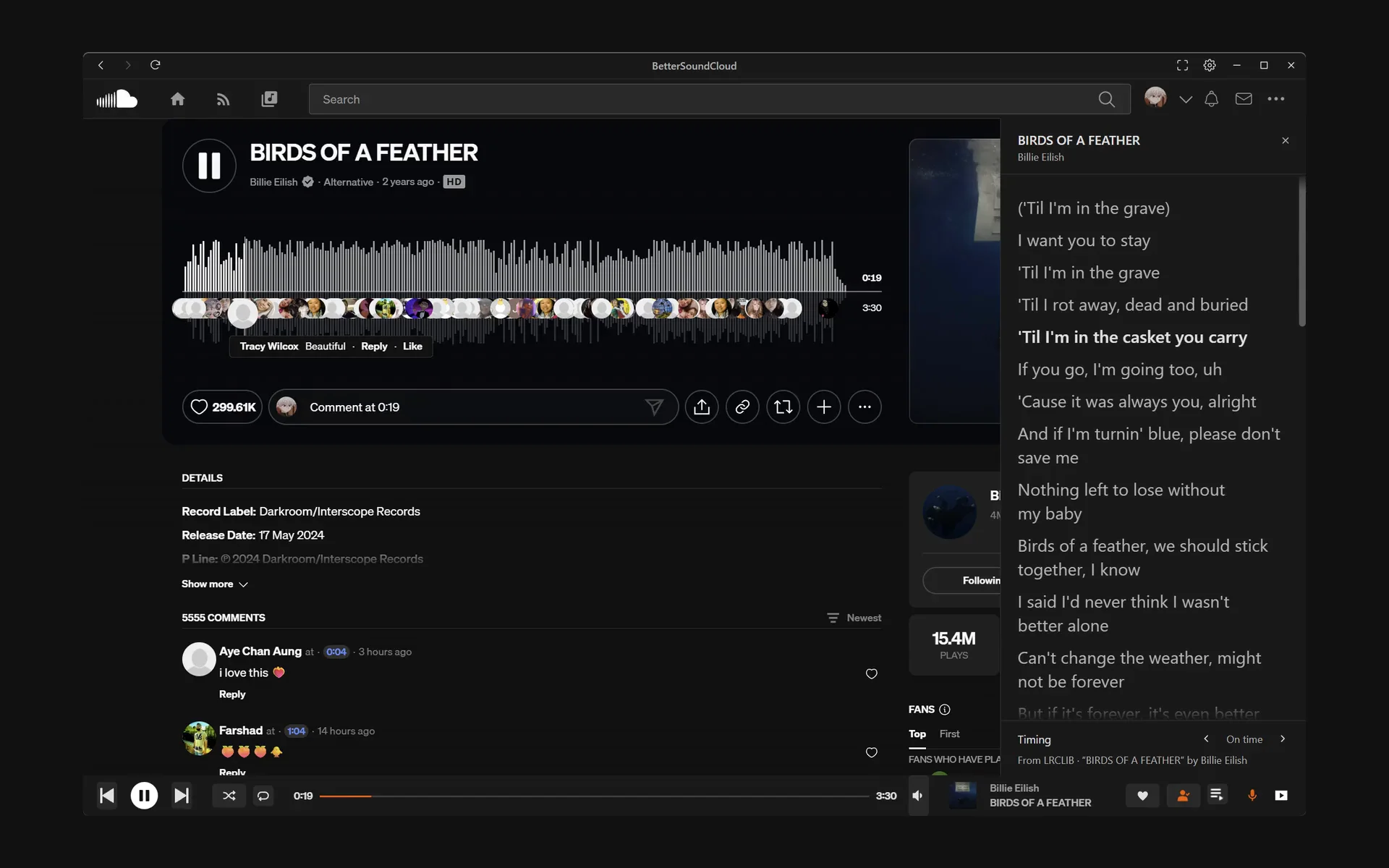
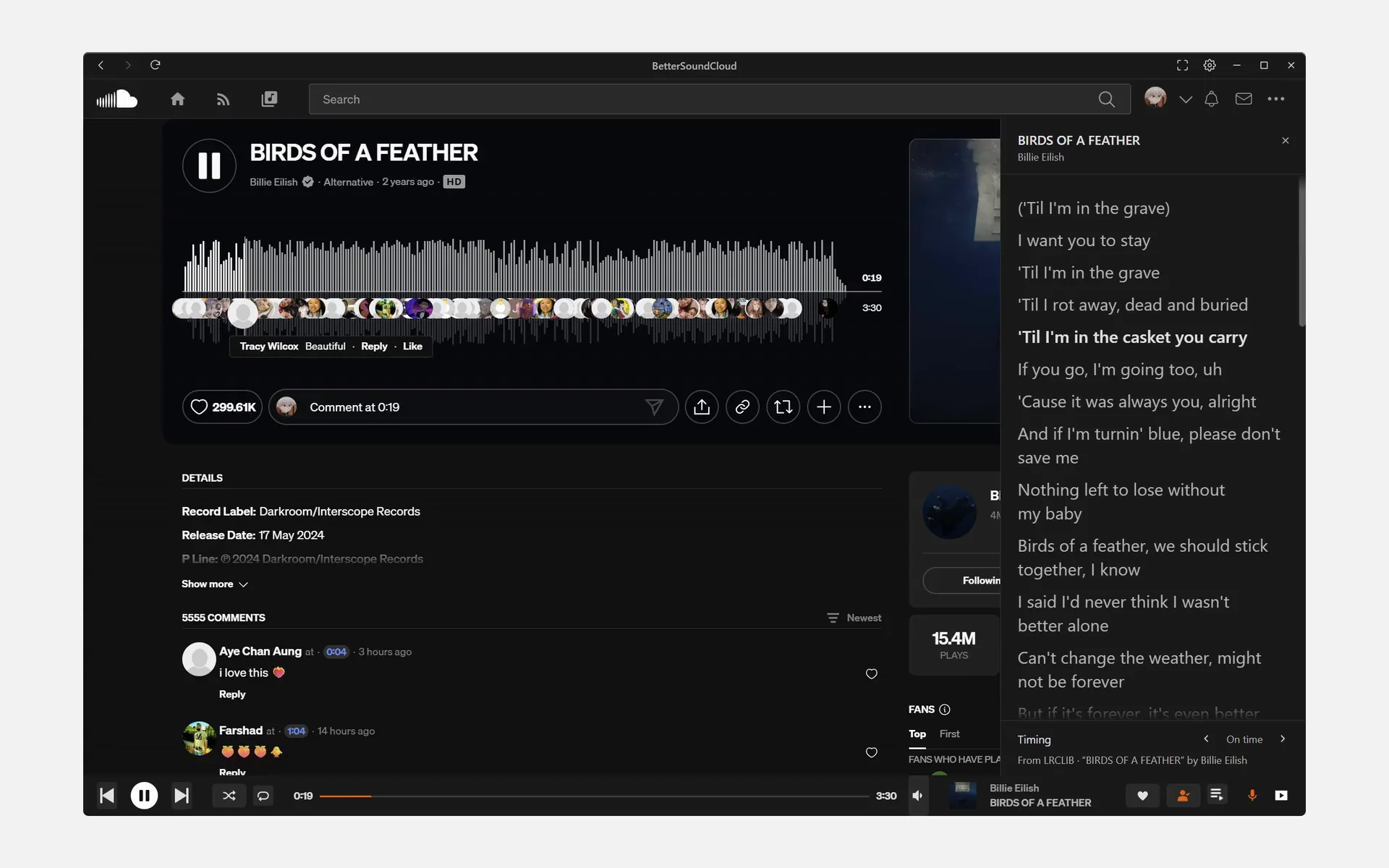
Protected tracks play New in v2
Every release since December 2022, downloaded 104,164 times in all. The edge is the first; the label, the newest. Each band is as wide as its share of the downloads.
The audio ad SoundCloud plays between tracks never loads, so the next track follows straight on. On by default.
Blocking other ads and trackers is a separate setting, in Settings, Advanced. It starts off.
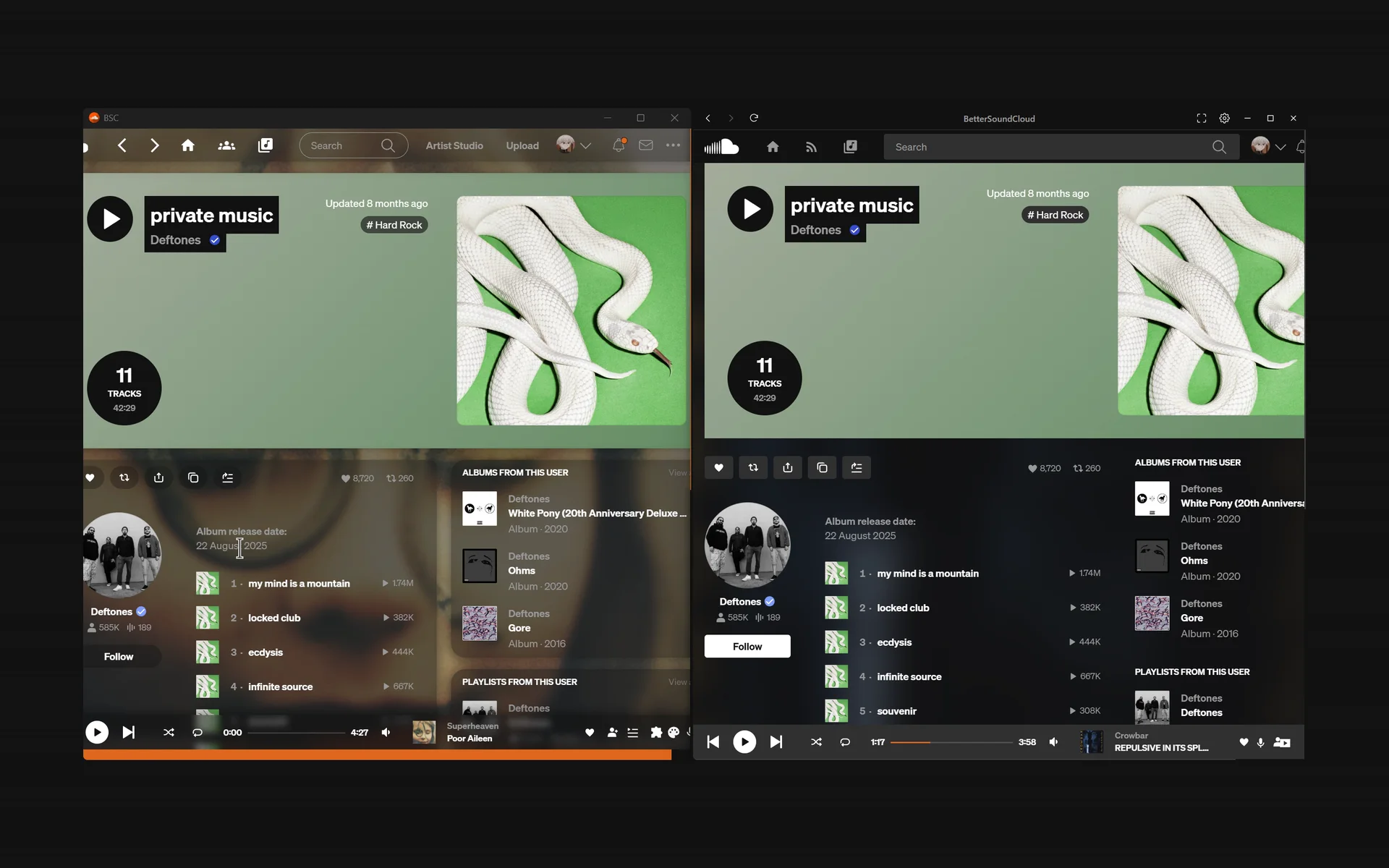
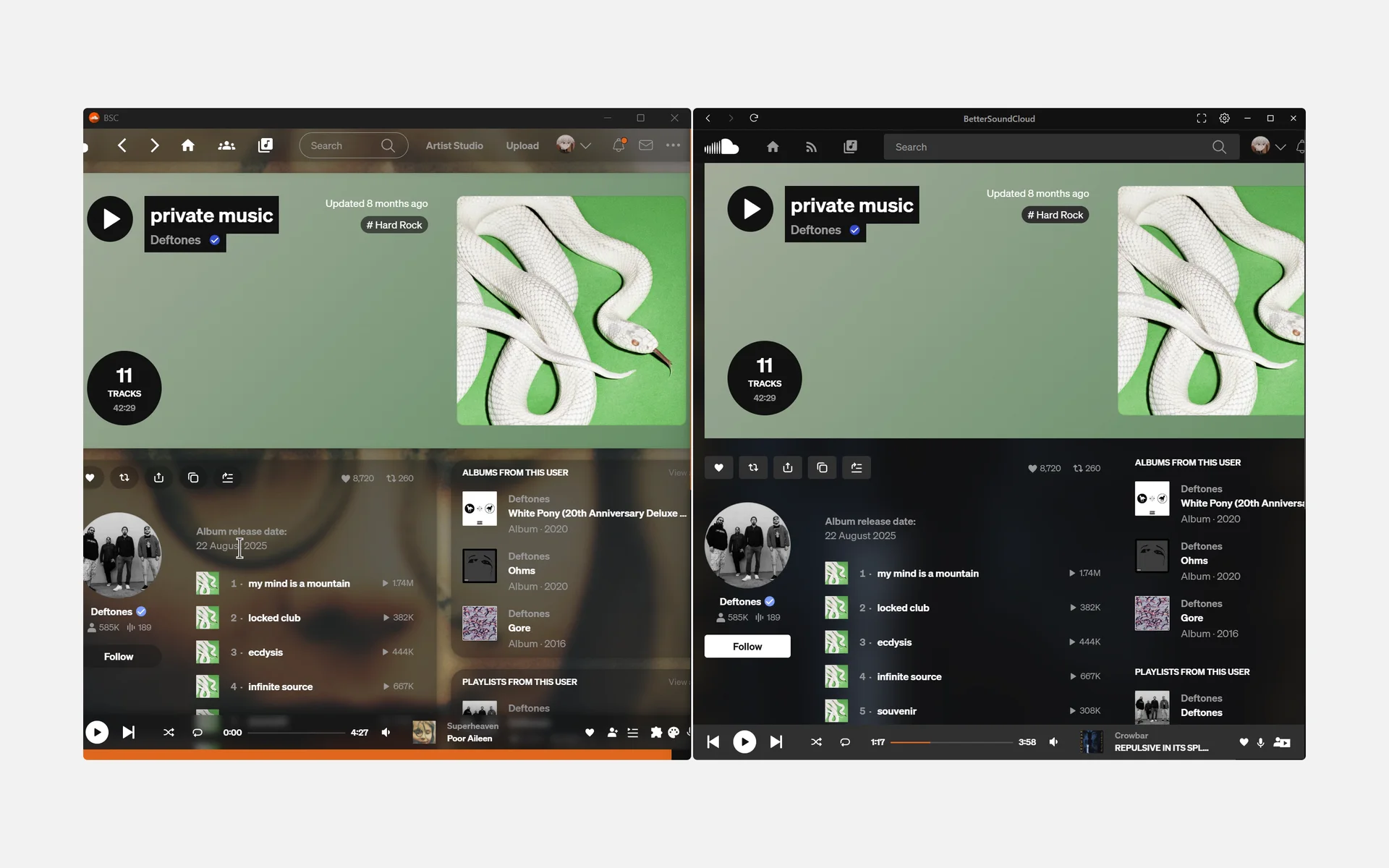
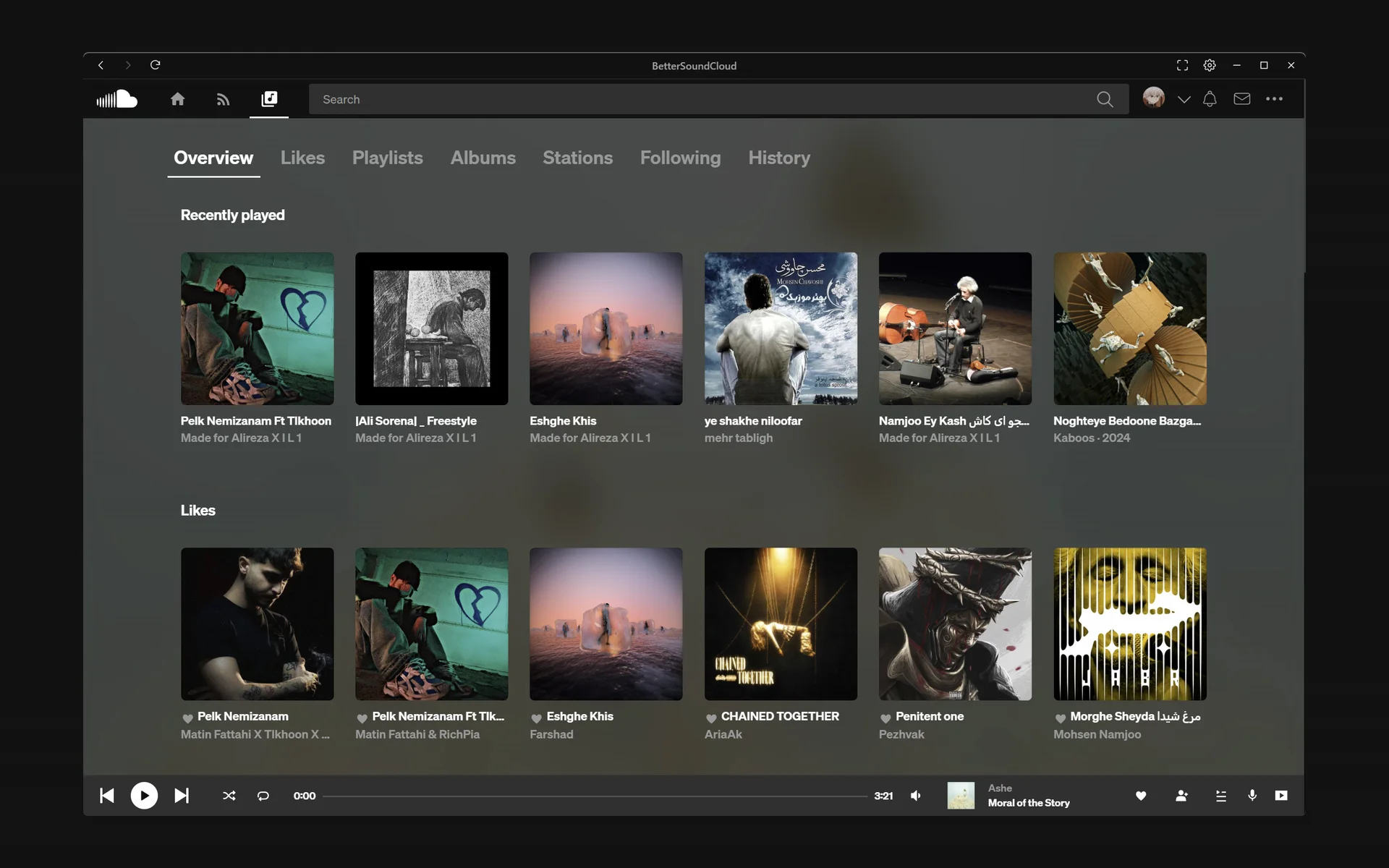
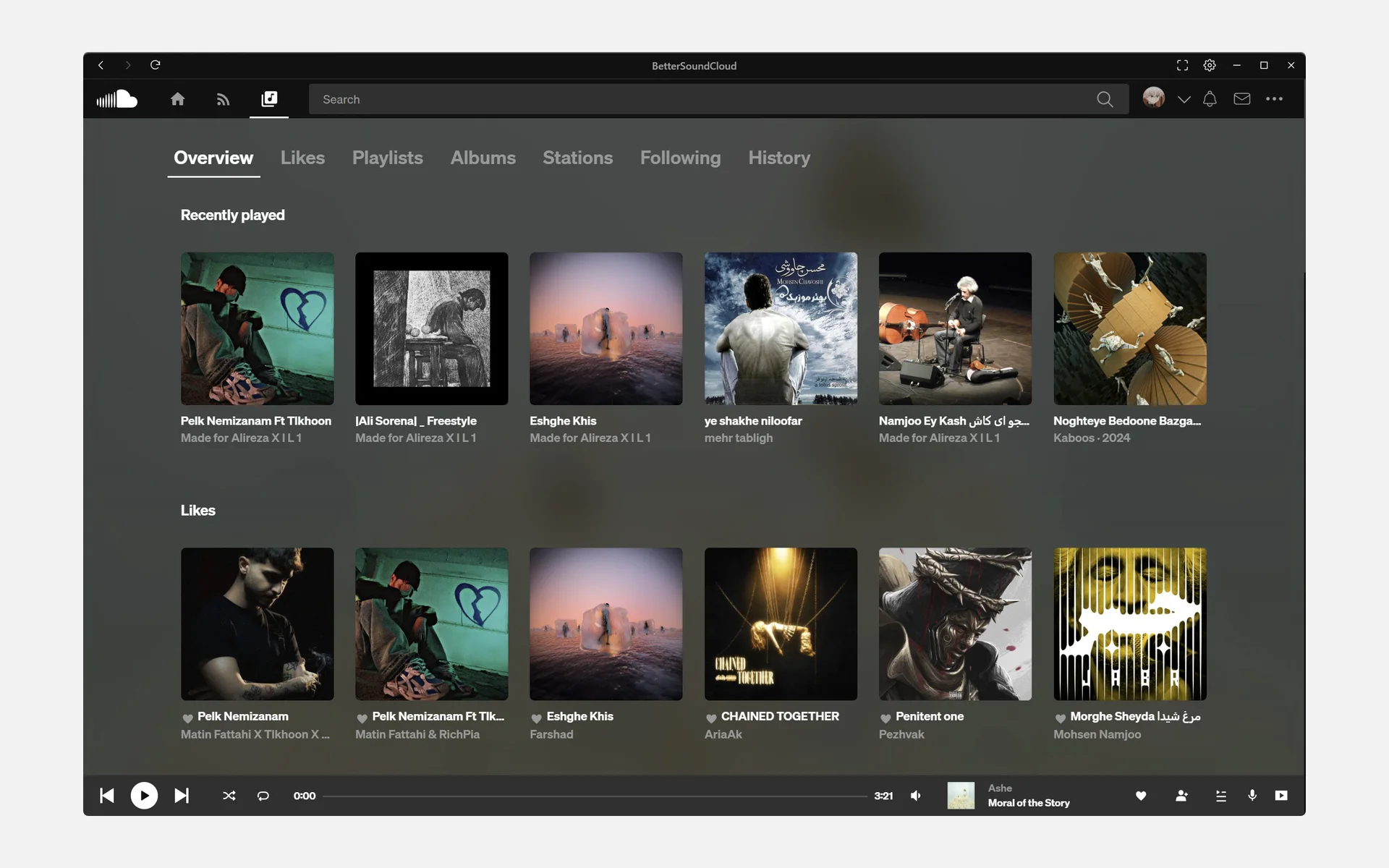
Five themes come with it. Pick one to see it on the same page, or SoundCloud’s own look to compare.
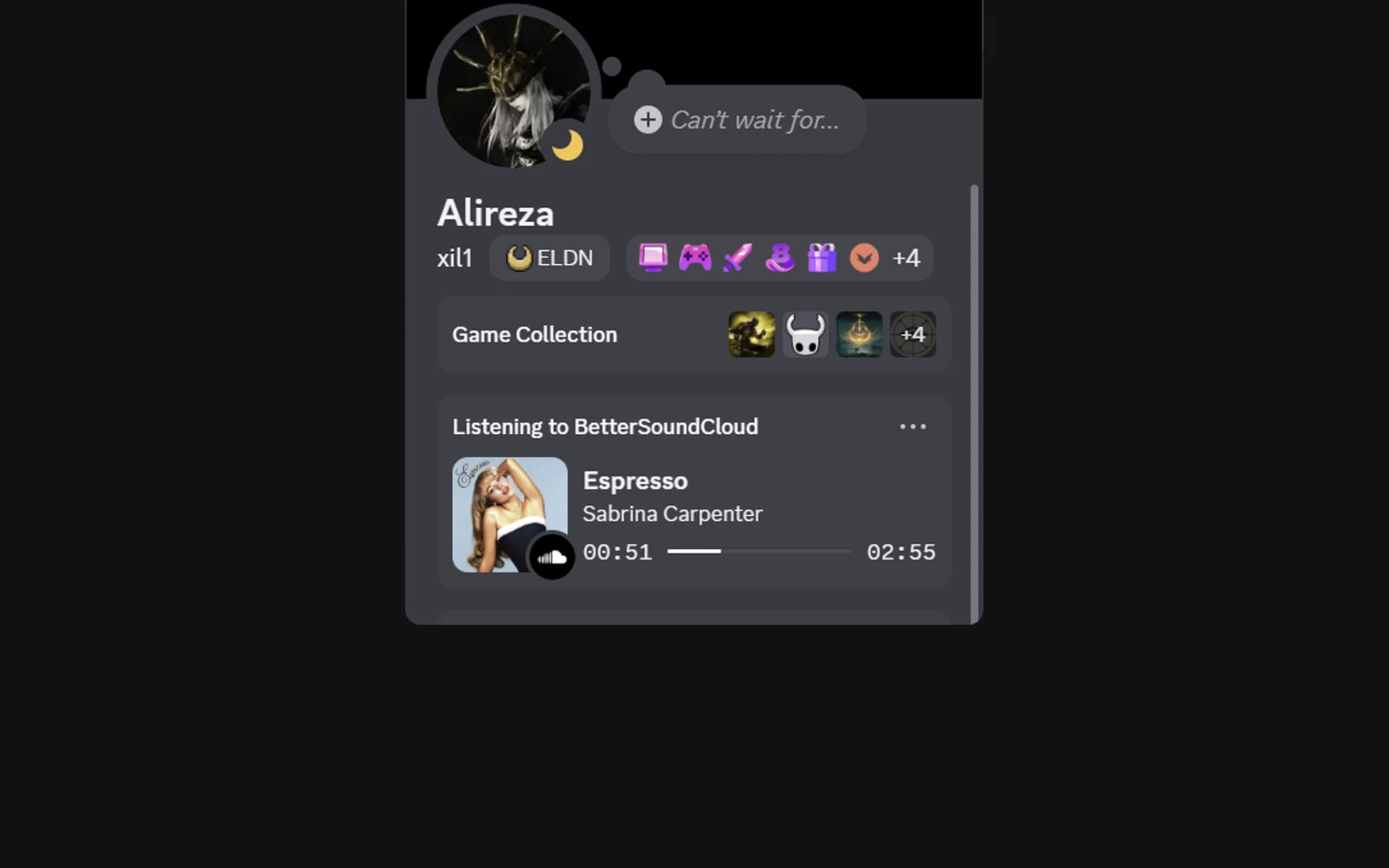
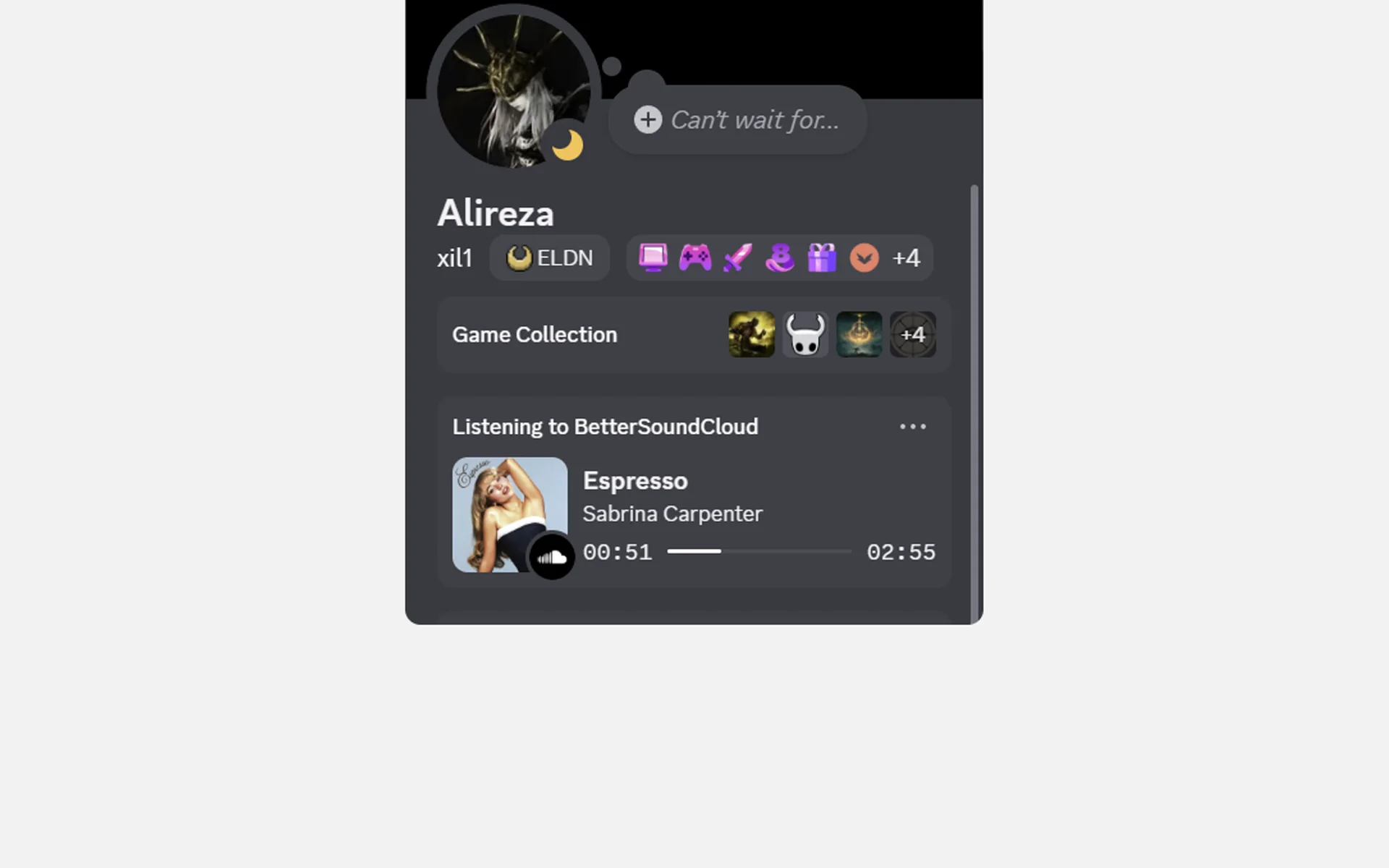
Your profile shows the track, its artwork and the time, as it plays. On by default.
Needs the Discord app running on the same computer.
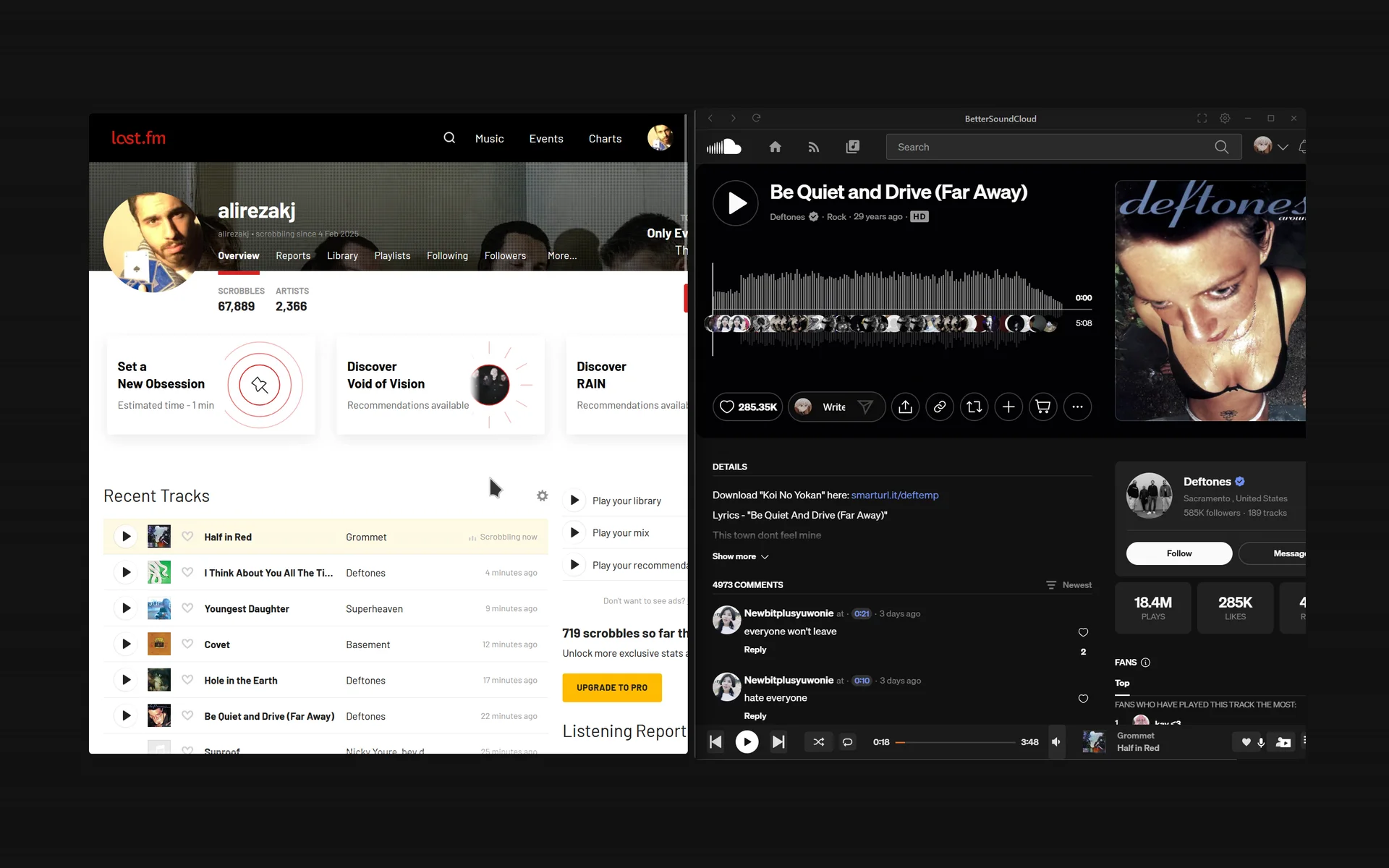
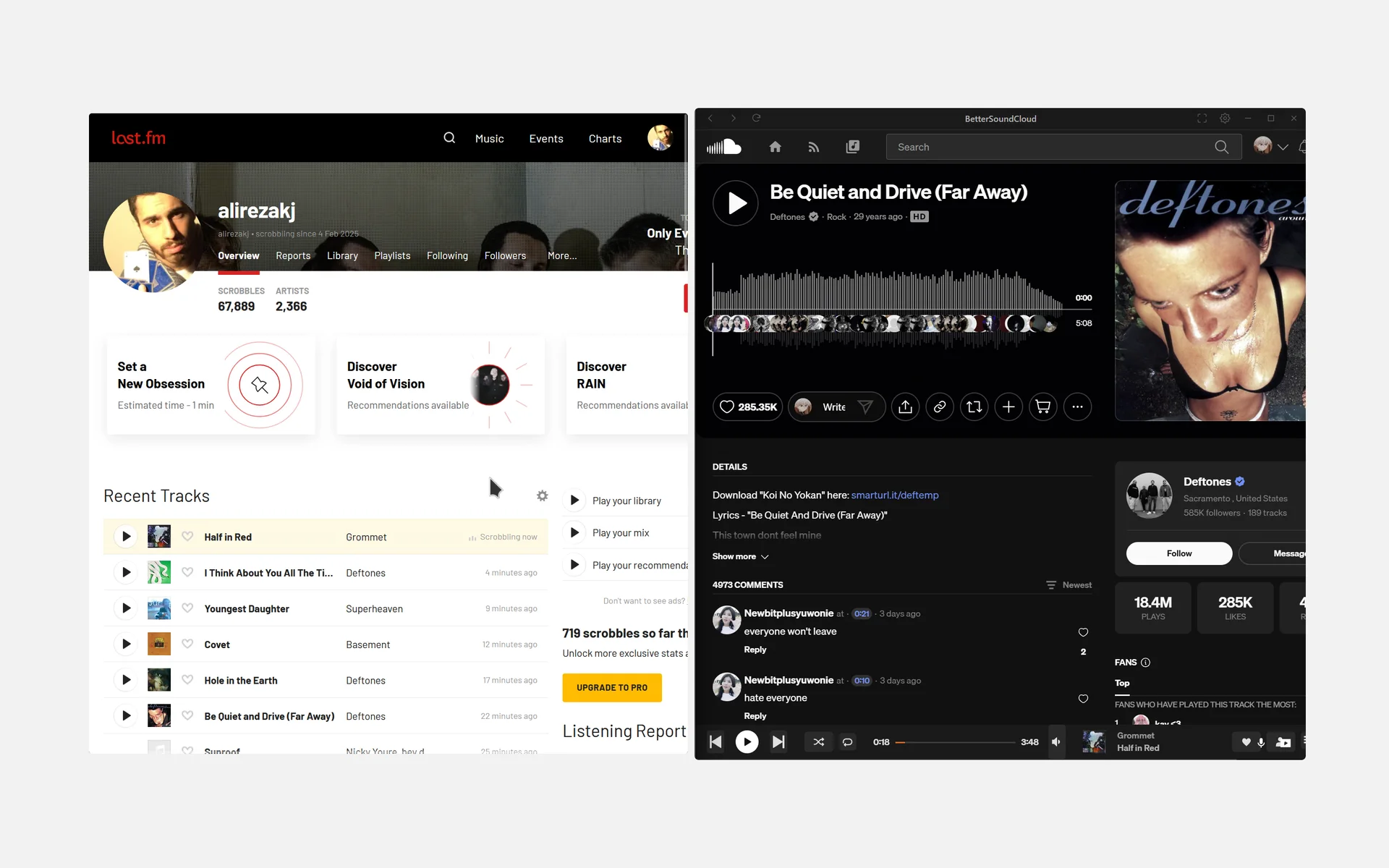
A built-in plugin sends each track to your Last.fm profile as it plays.
Off until you turn it on and connect it, in Settings, Plugins.
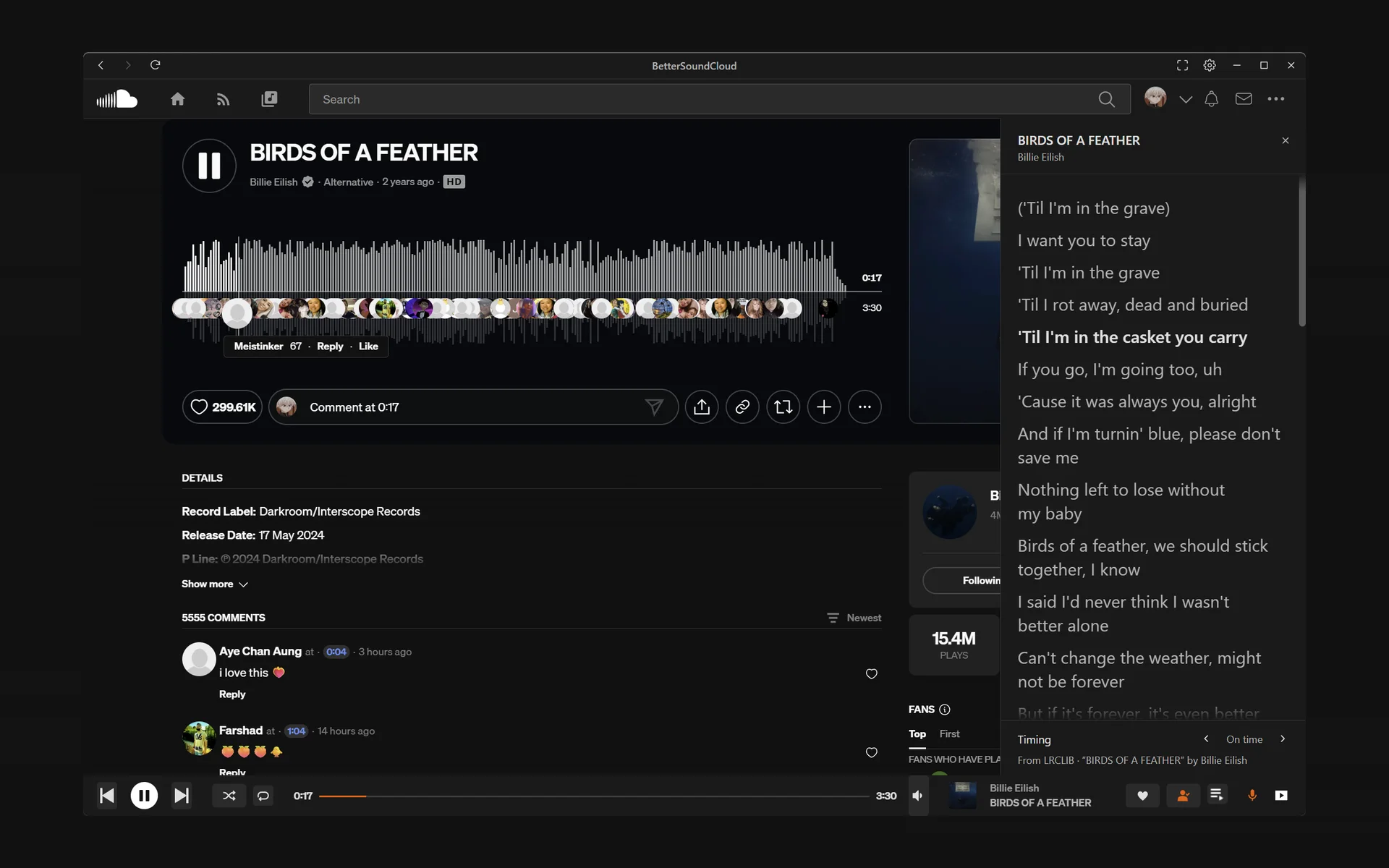
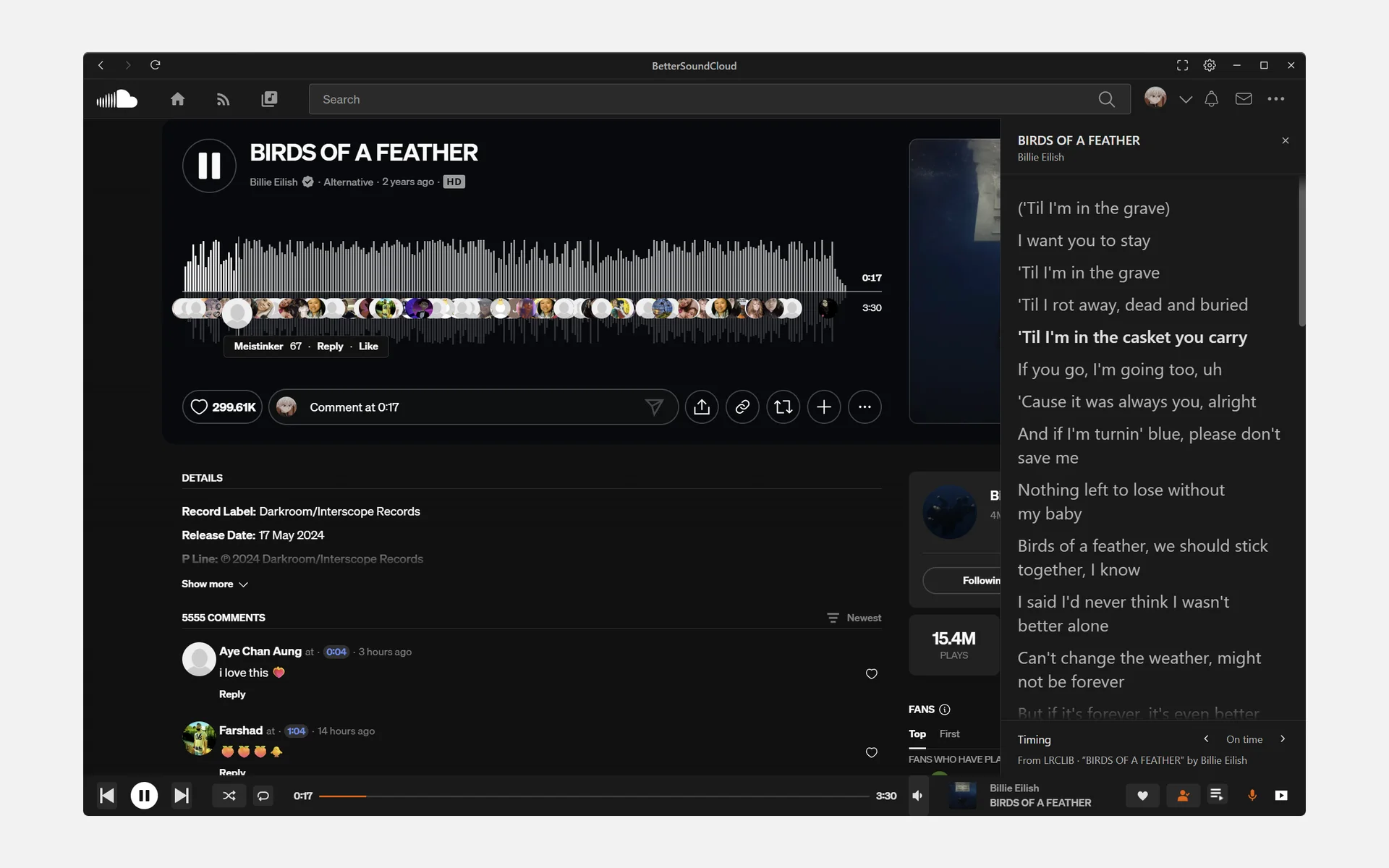
Synced lyrics from LRCLIB in a pane beside the page, each line lit as it is sung.
Only for songs LRCLIB has words for. Nudge the timing if they drift.
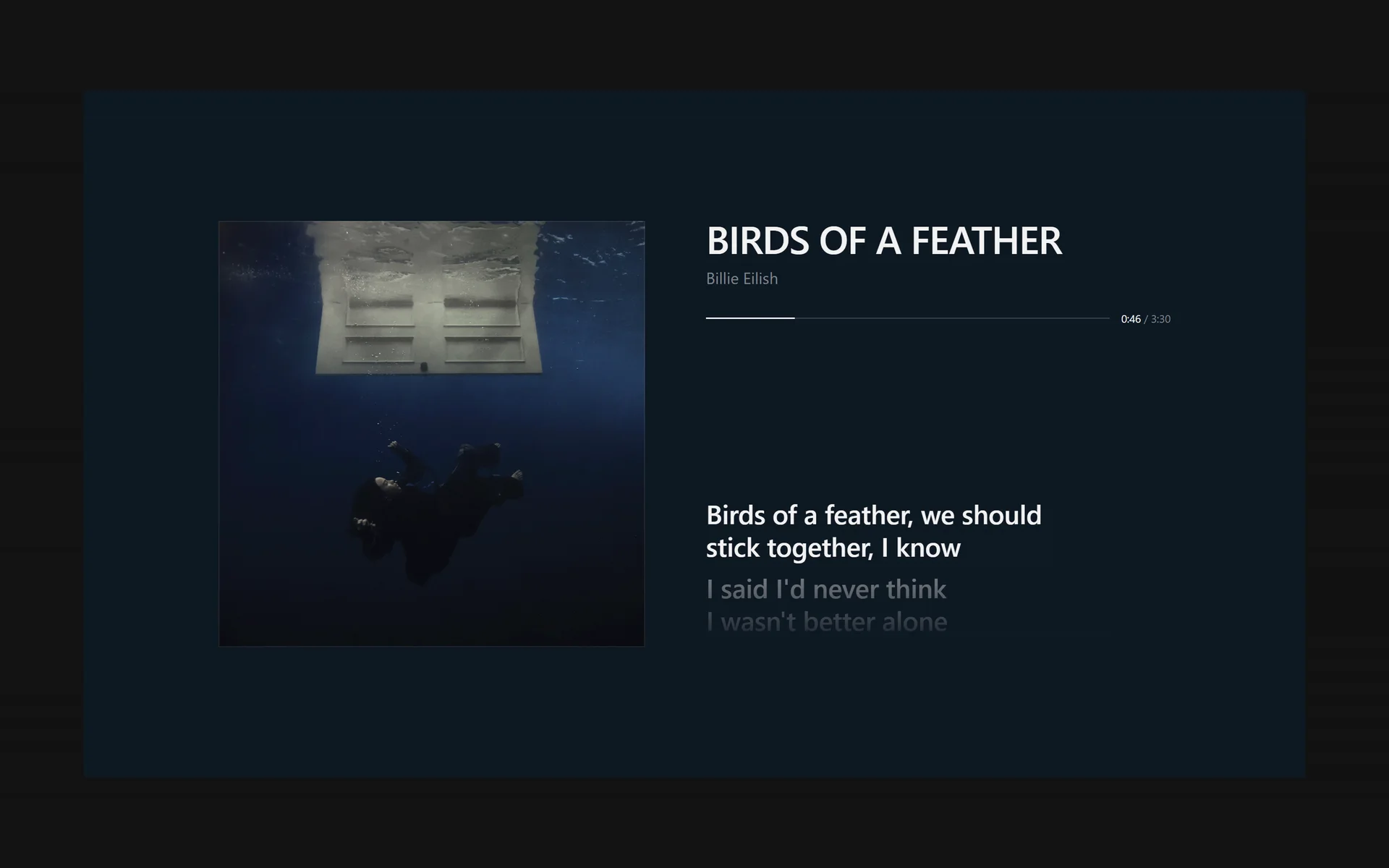
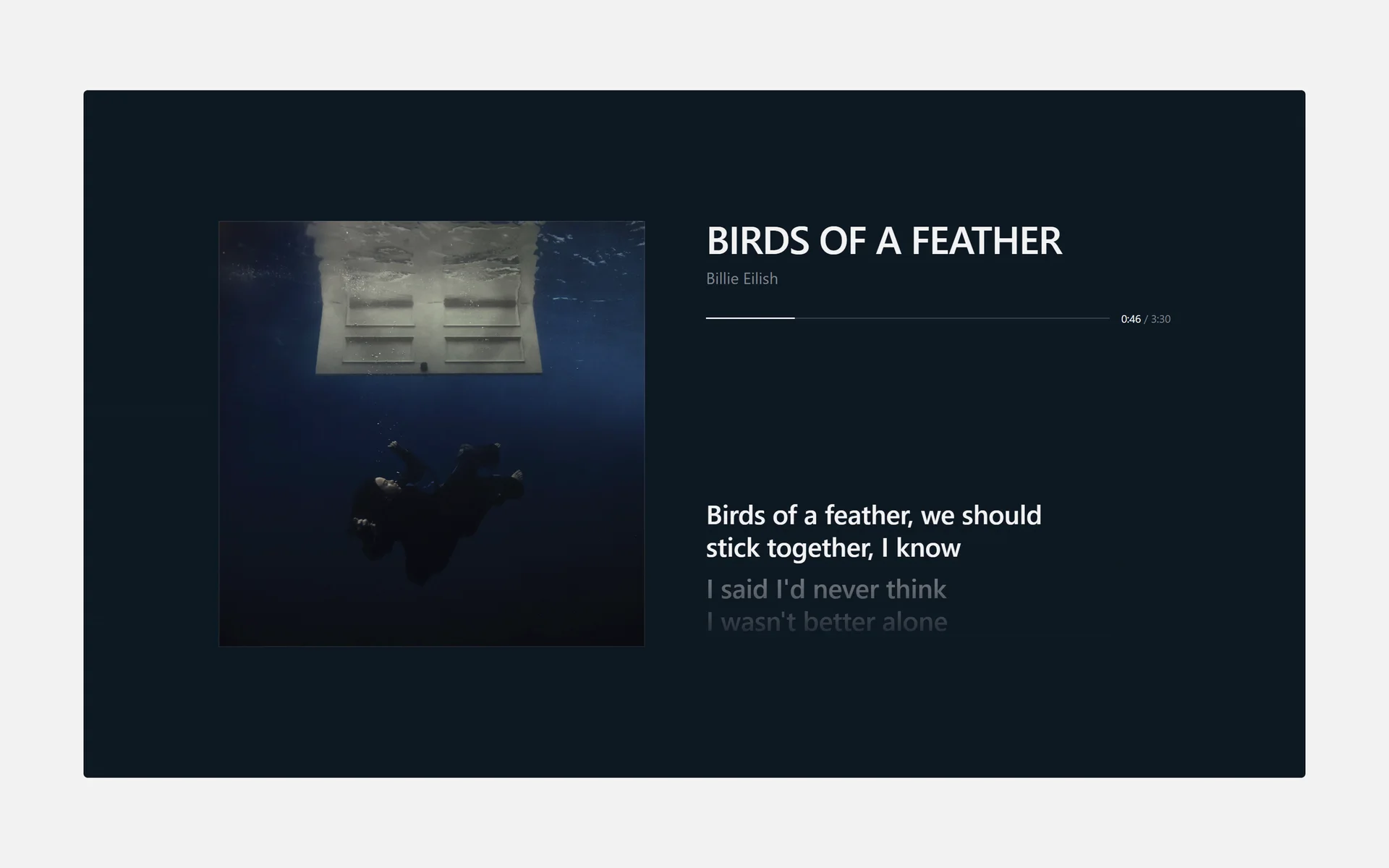
The artwork, the title and the line being sung, on a colour taken from the artwork.
Lyrics are fetched only while this view or the pane is open.
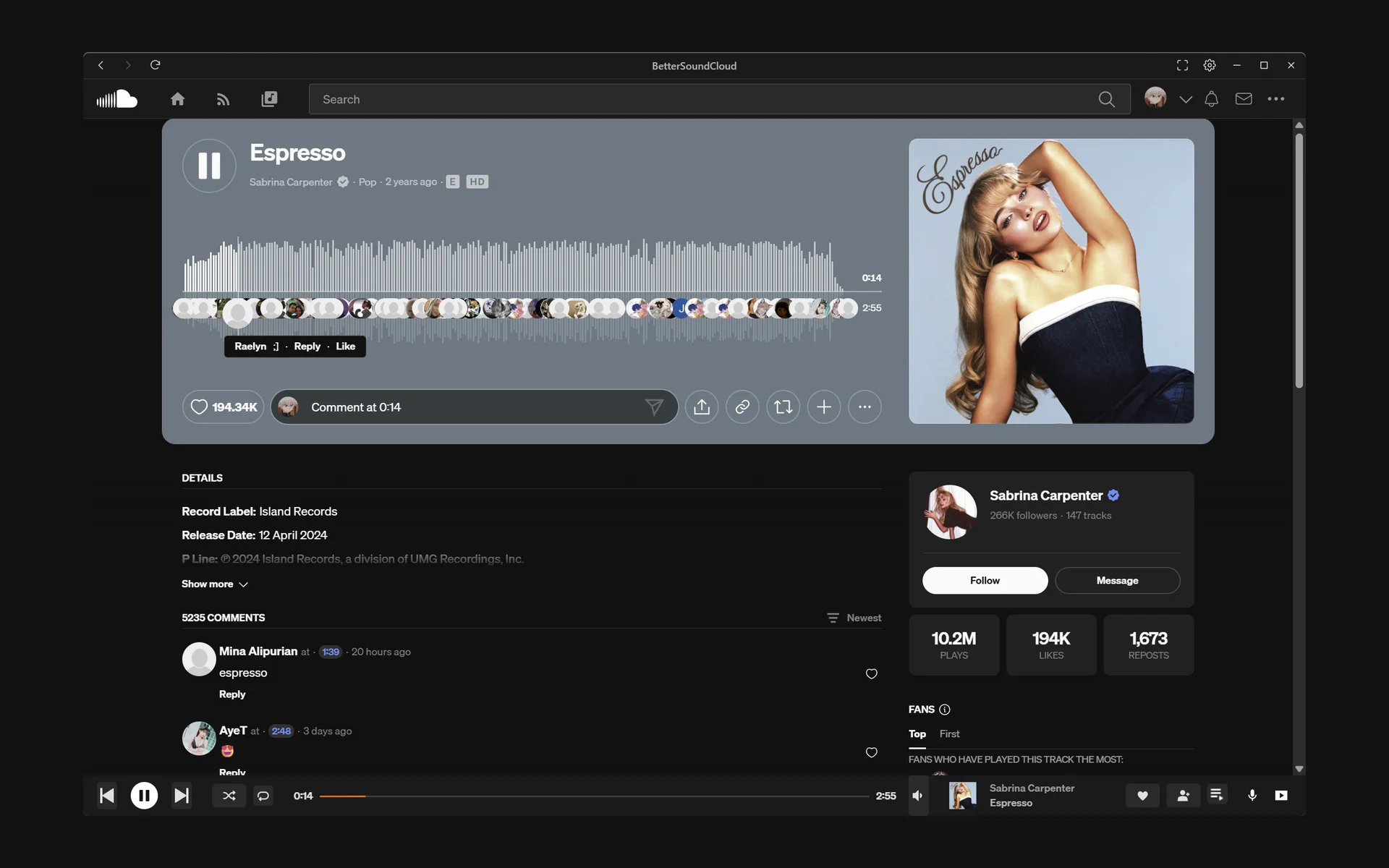
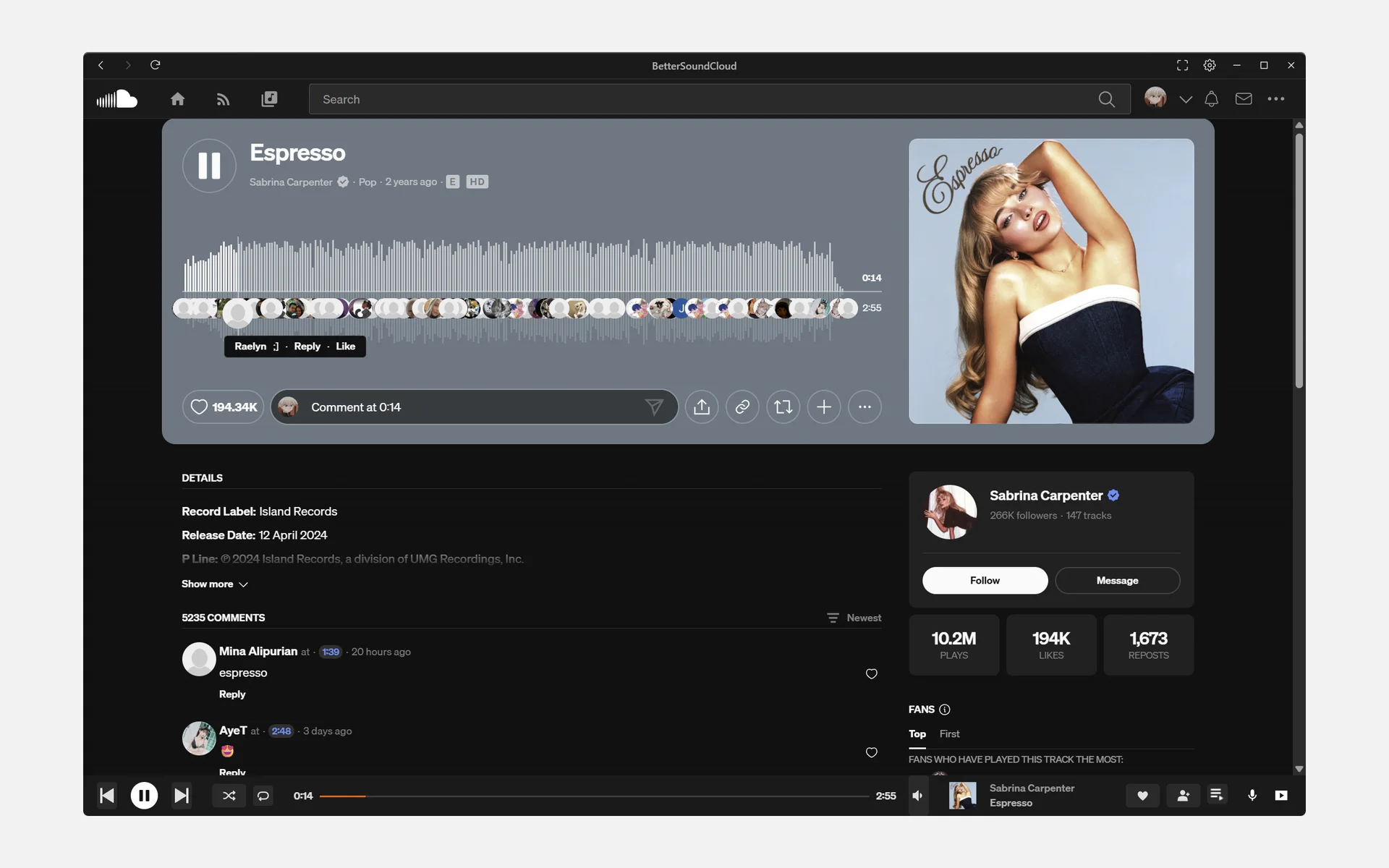
Like a track and follow its artist, right in the app.
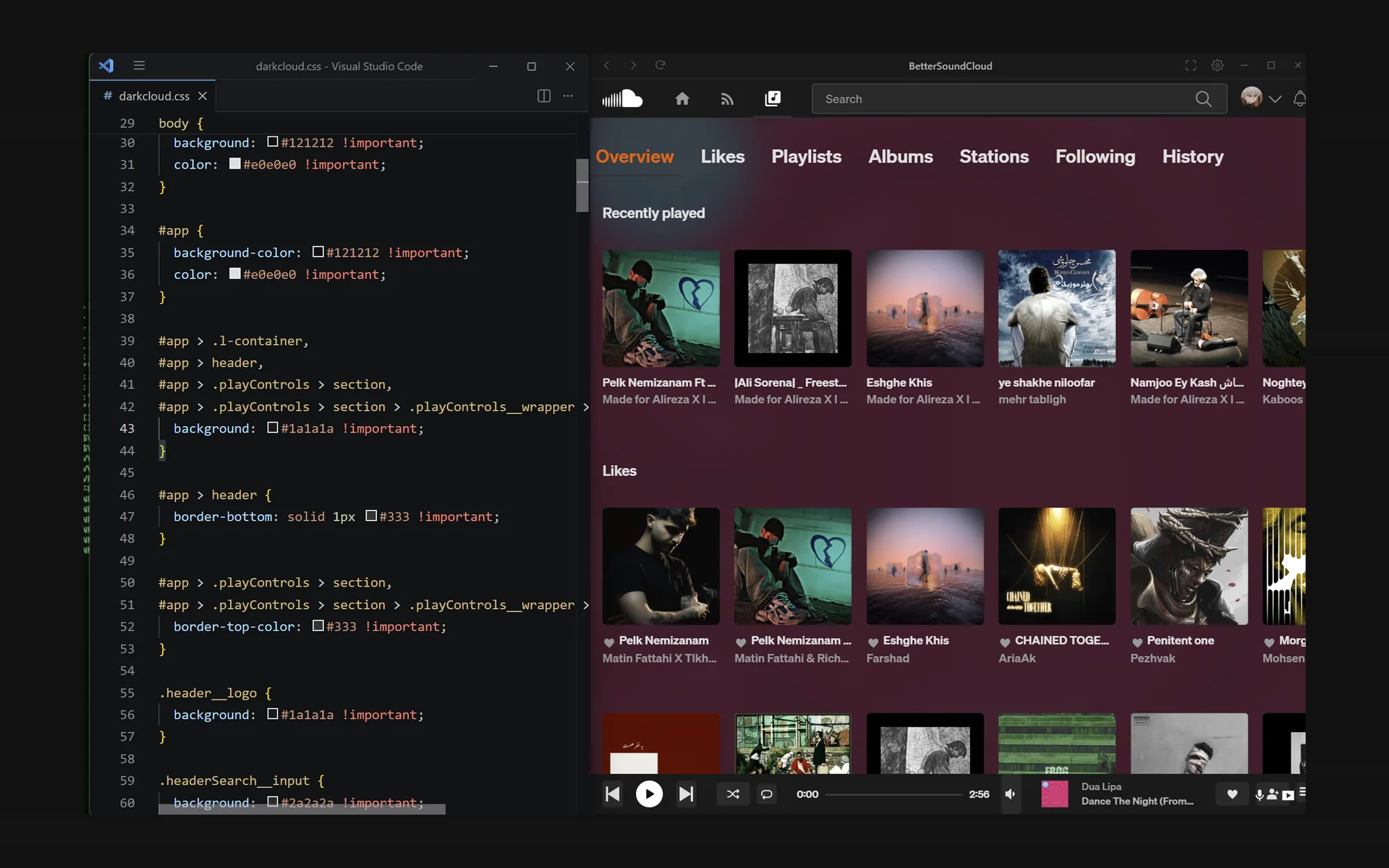
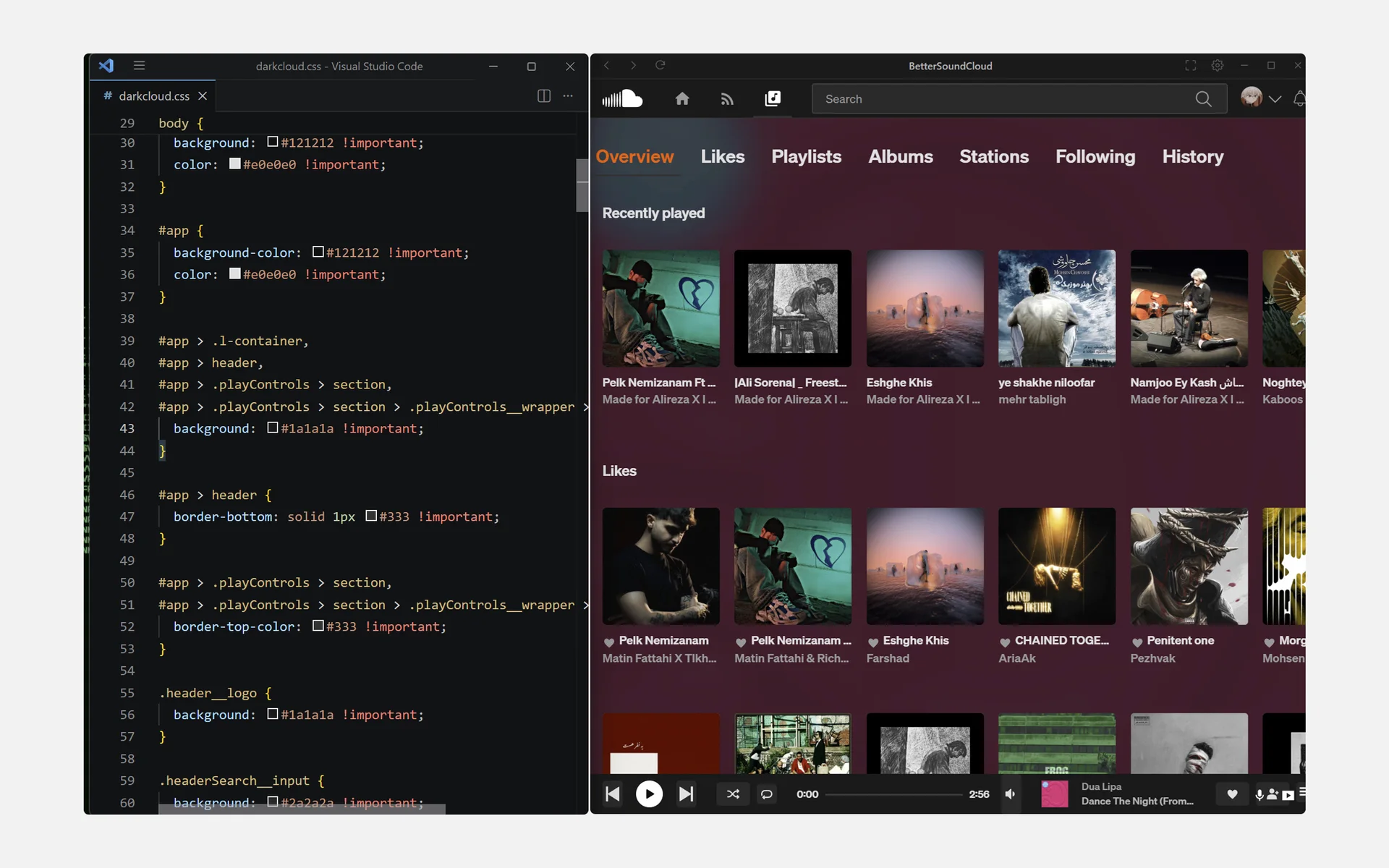
Any .css file in your themes folder loads, and reloads each time you save it.
The guide to writing one is in the app’s repository for now.
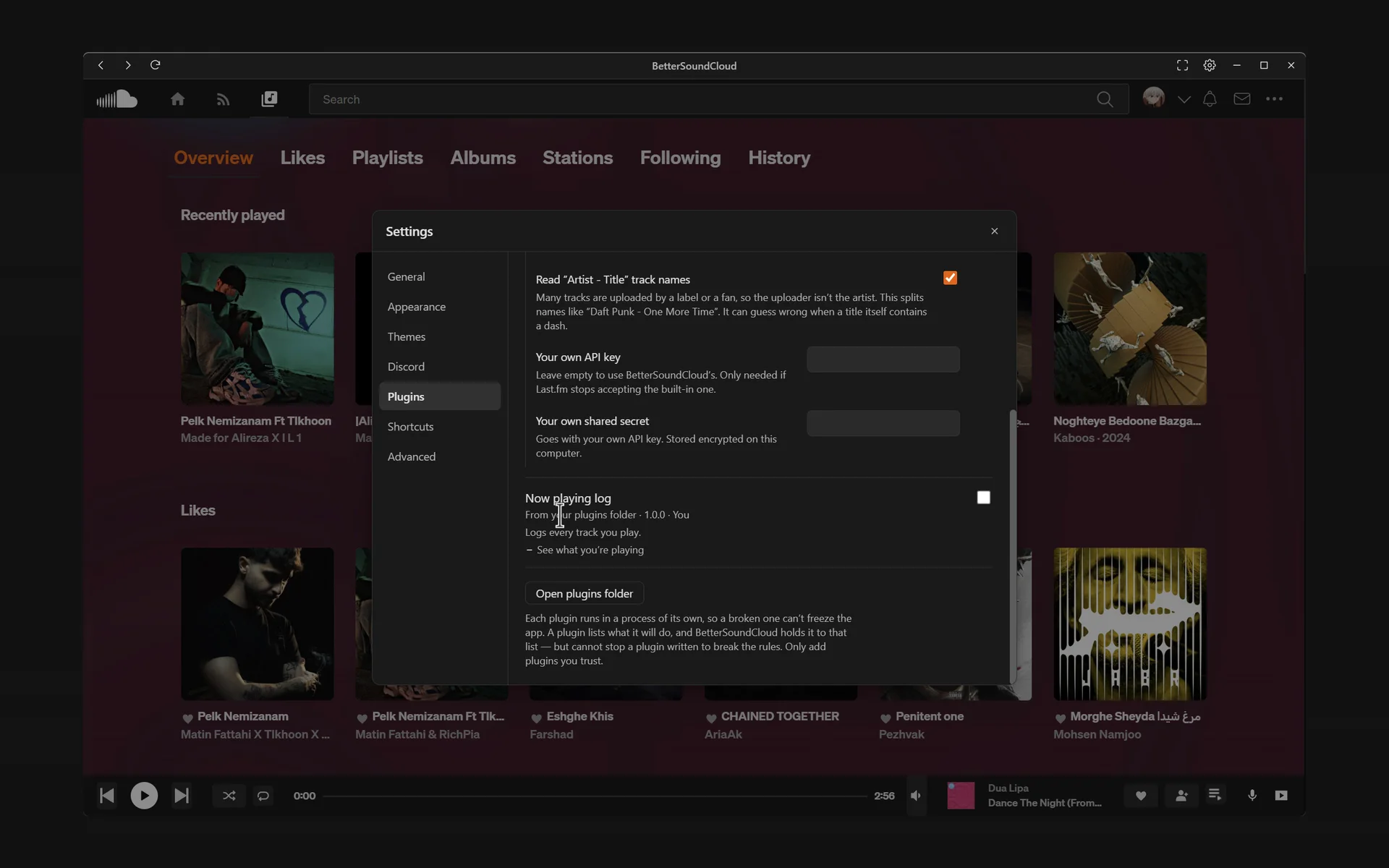
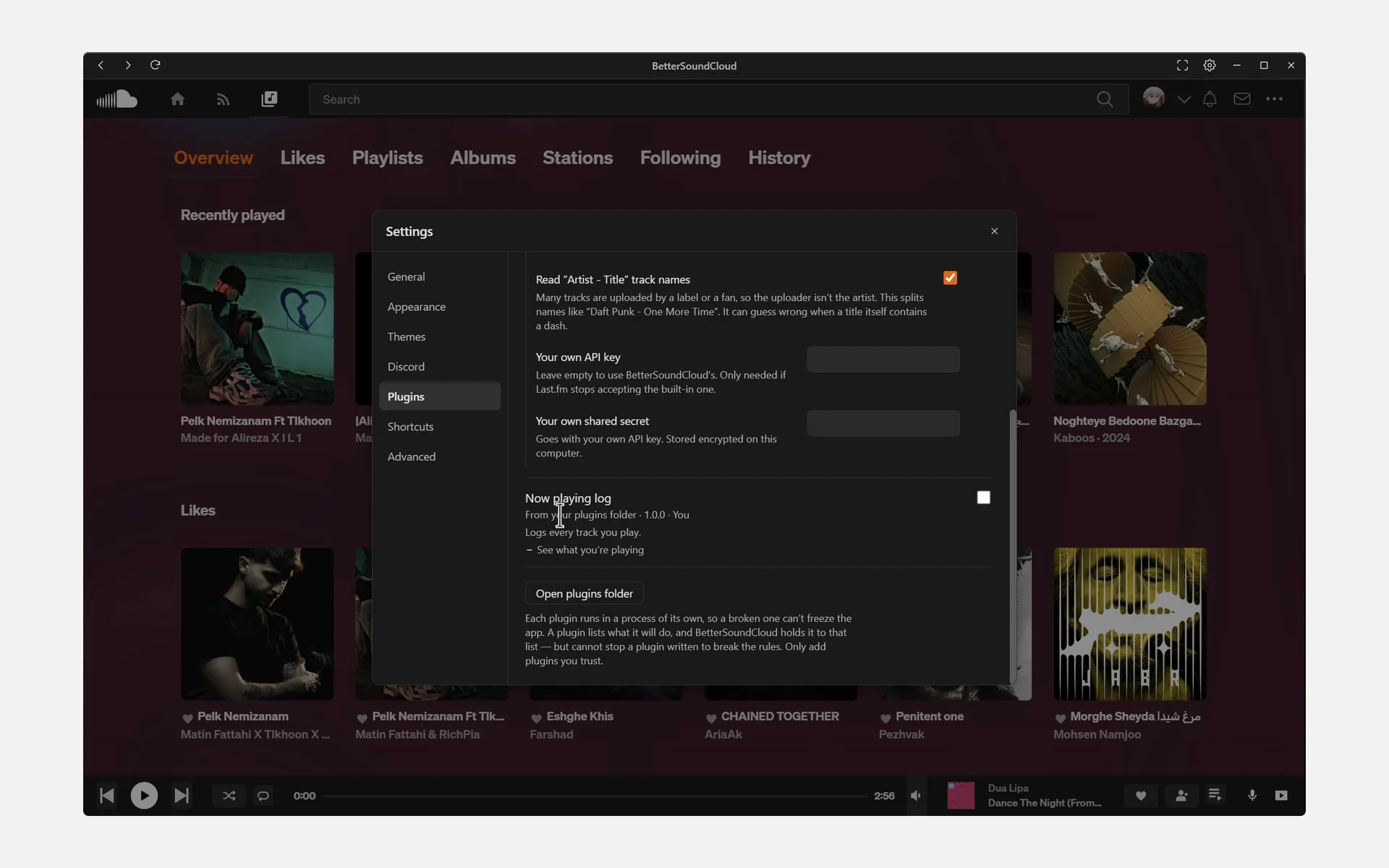
Each plugin runs apart from the app, and says what it needs before you turn it on.
Plugins work beside SoundCloud’s page, not inside it, so far.
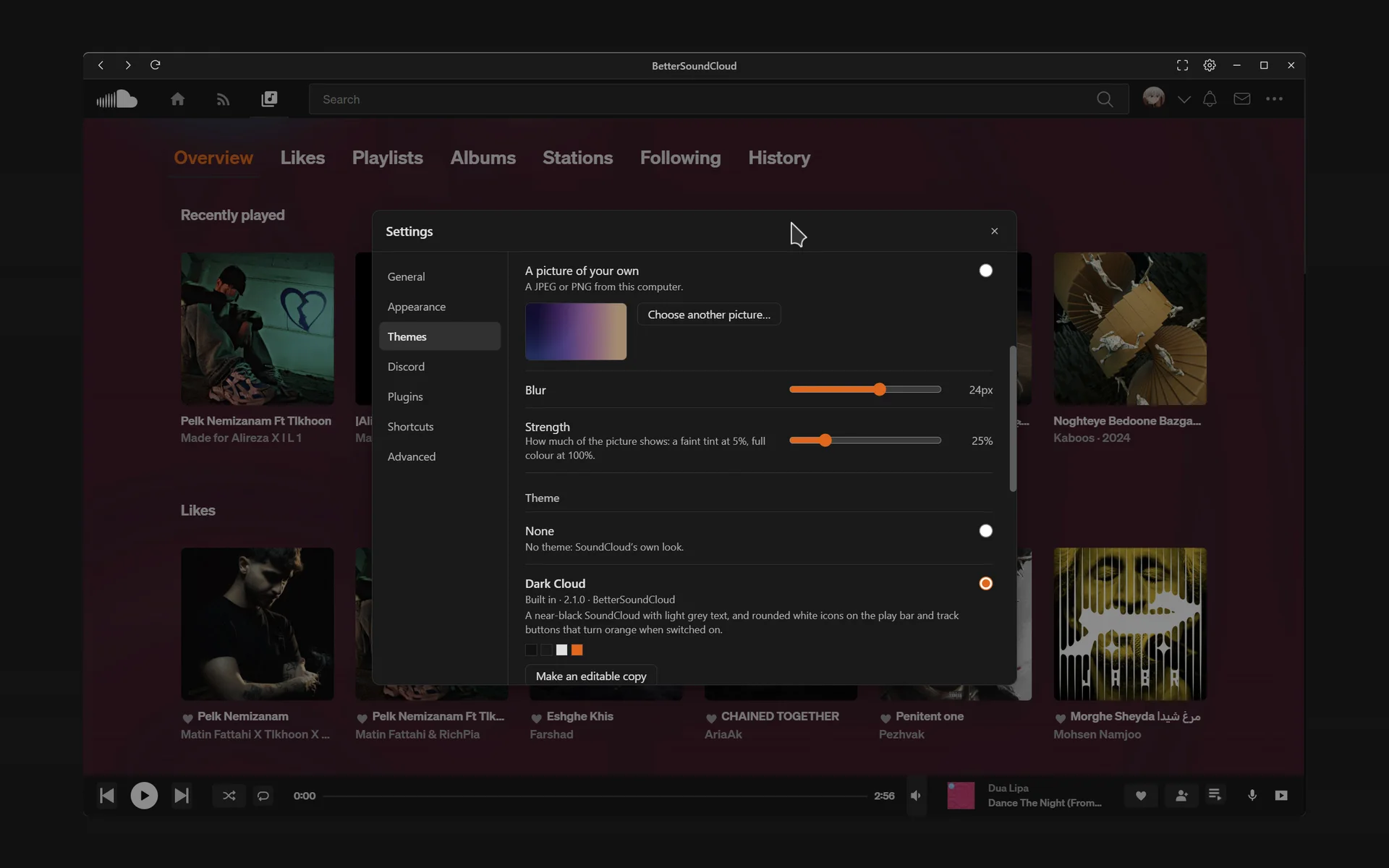
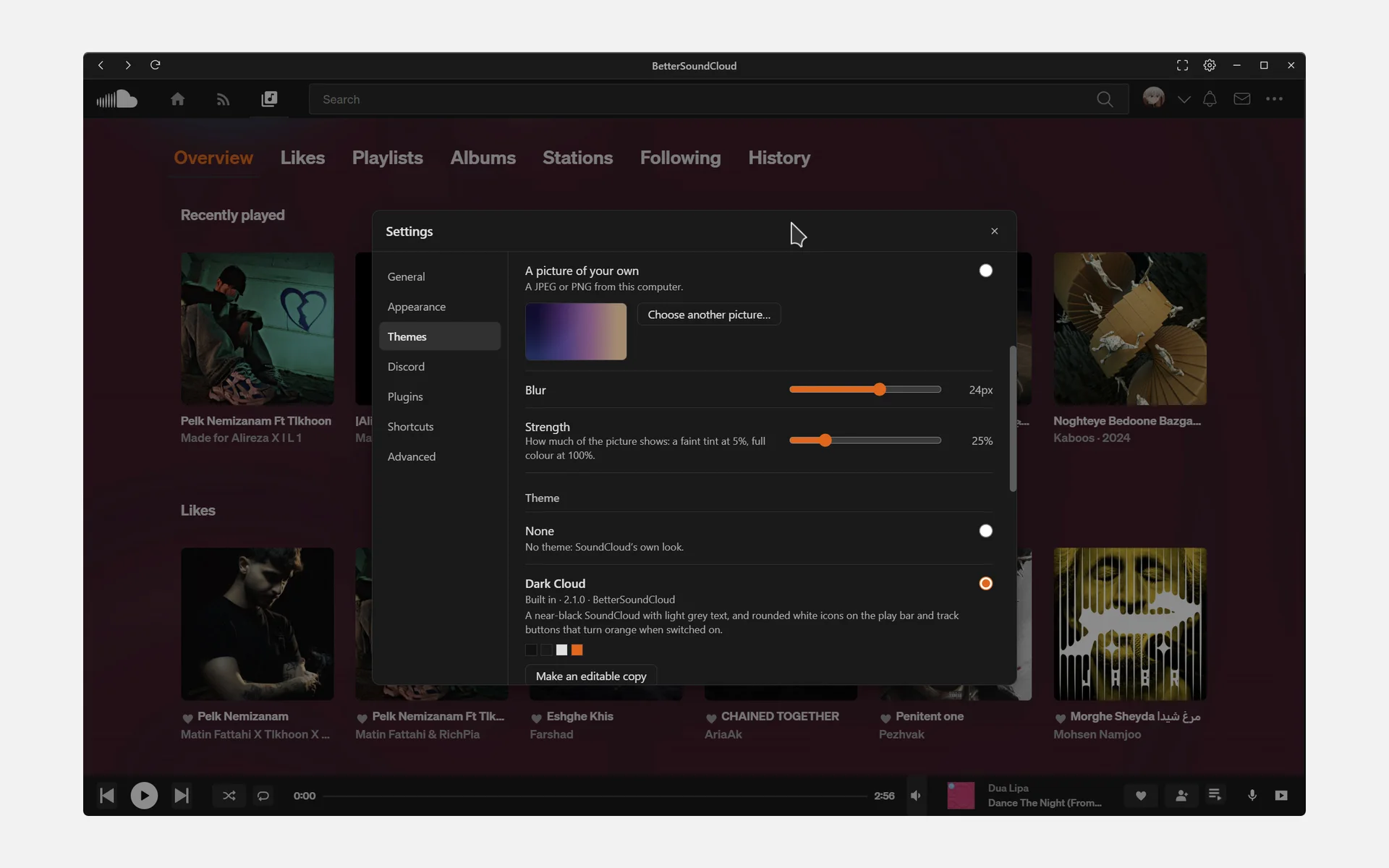
Behind SoundCloud’s page: a picture of yours, or the playing track’s artwork.
You choose how strongly it shows through.
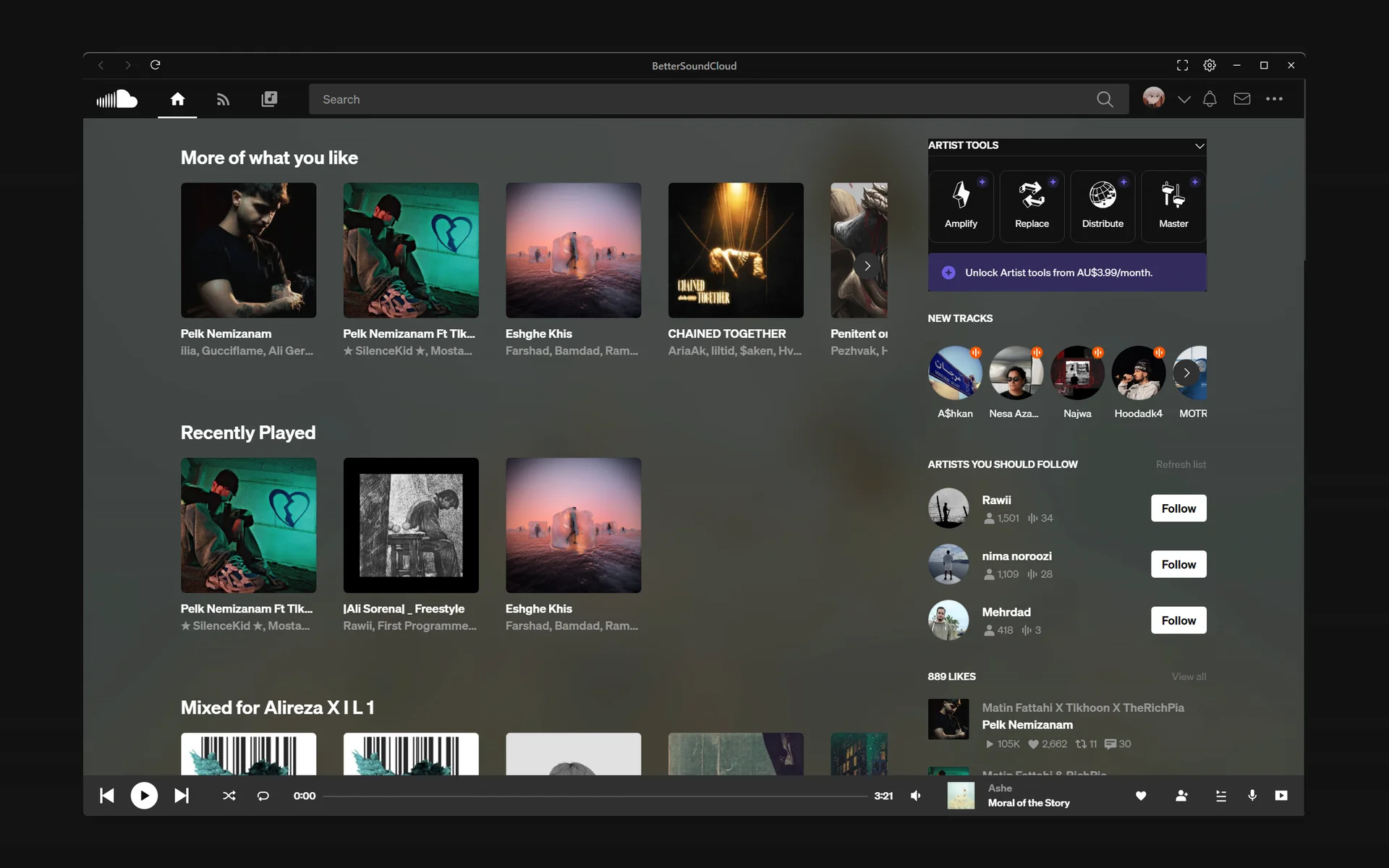
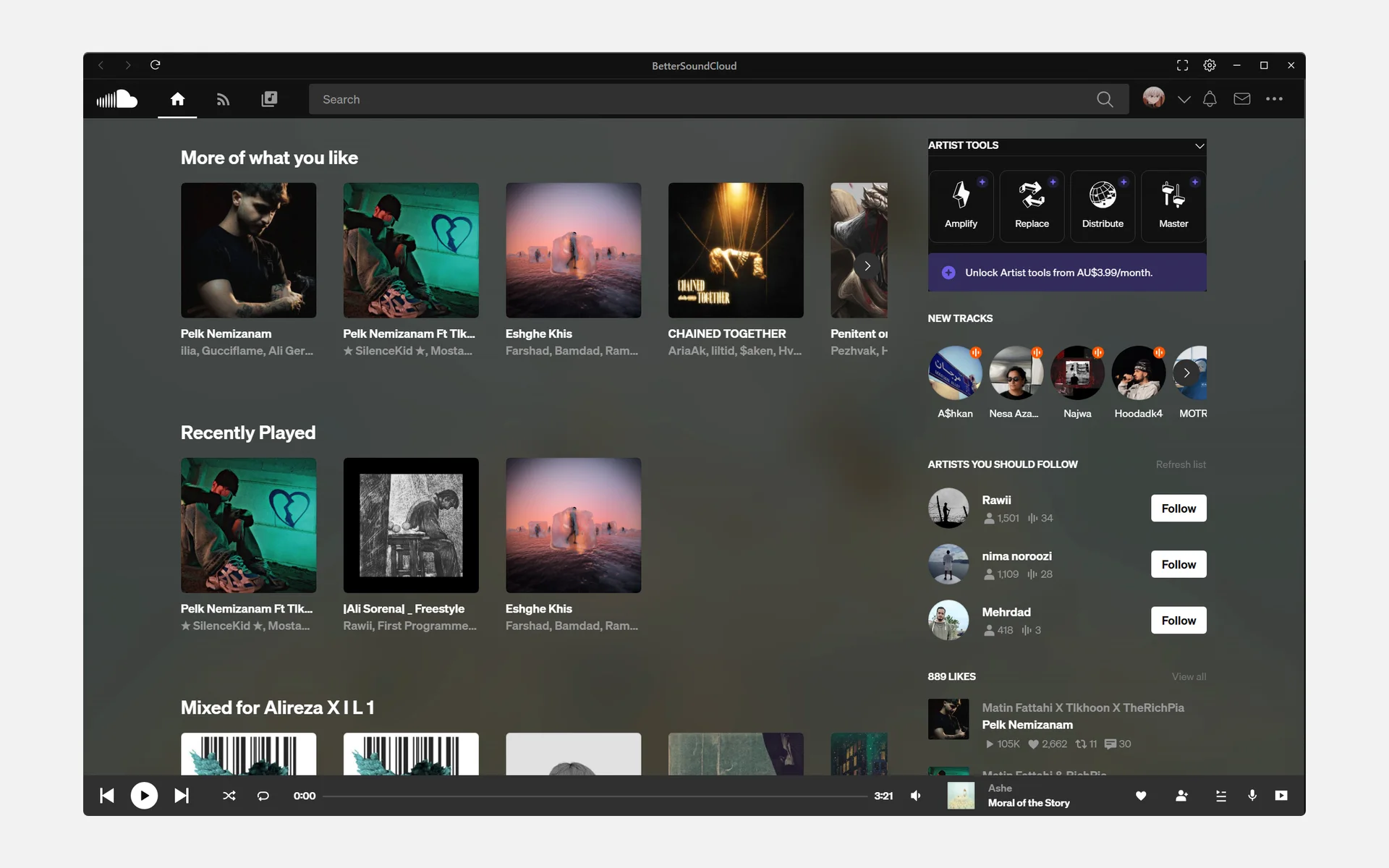
Window blank or broken? Start it with --safe-mode: no hardware acceleration, ad blocking or theme.
For that launch only. None of your settings change.
Planned, and not built yet. The app marks its own unbuilt settings the same way, so nothing looks as if it works when it doesn’t.
Stars on GitHub at the end of each month, this month’s read live: 477 so far.
A release came out that month.
| Month | Stars | Released |
|---|---|---|
| Dec 2022 | 2 | v0.1.1, v0.1.0 |
| Jan 2023 | 6 | v0.3.0, v0.2.0 |
| Feb 2023 | 6 | v0.5.0, v0.4.0 |
| Mar 2023 | 8 | |
| Apr 2023 | 13 | v0.5.1 |
| May 2023 | 20 | v0.5.2 |
| Jun 2023 | 25 | |
| Jul 2023 | 27 | |
| Aug 2023 | 32 | |
| Sept 2023 | 34 | |
| Oct 2023 | 37 | |
| Nov 2023 | 40 | |
| Dec 2023 | 43 | |
| Jan 2024 | 45 | |
| Feb 2024 | 48 | |
| Mar 2024 | 55 | v0.5.3 |
| Apr 2024 | 59 | |
| May 2024 | 65 | |
| Jun 2024 | 72 | |
| Jul 2024 | 75 | |
| Aug 2024 | 82 | |
| Sept 2024 | 91 | |
| Oct 2024 | 96 | |
| Nov 2024 | 107 | |
| Dec 2024 | 115 | |
| Jan 2025 | 120 | |
| Feb 2025 | 127 | |
| Mar 2025 | 148 | v0.6.0 |
| Apr 2025 | 168 | |
| May 2025 | 186 | |
| Jun 2025 | 195 | |
| Jul 2025 | 208 | |
| Aug 2025 | 229 | |
| Sept 2025 | 243 | |
| Oct 2025 | 261 | |
| Nov 2025 | 284 | |
| Dec 2025 | 303 | |
| Jan 2026 | 320 | |
| Feb 2026 | 330 | |
| Mar 2026 | 344 | |
| Apr 2026 | 365 | |
| May 2026 | 383 | v0.7.1, v0.7.0 |
| Jun 2026 | 392 | |
| Jul 2026 | 407 | |
| Aug 2026 | 428 | |
| Sept 2026 | 440 | |
| Oct 2026 | 458 | |
| Nov 2026 | 477 | v0.9.0, v0.8.0 |
Written and kept by AlirezaKJ, with everyone who has committed to the app’s main branch:
 AlirezaKJ 334 commits
 ULTRA-VAGUE 21 commits
 demenik 10 commits
 silver-zxy 4 commits
 zwroe 3 commits
 droptablemustafa 2 commits
 reoireopit 2 commits
 Jeter361 1 commit
 LudoMinecraft 1 commit
 MateusRosolem 1 commit
To everyone who bought a coffee on Buy Me a Coffee, in the order they first did:
love your bettersoundcloud project, loving the latest update. keep up the good work! you're making listening to music a good experience :D
omg ur bettersoundcloud is life saving, i have thousands of likes and manually scrolling down to actually shuffle was getting so annoying (i hate the soundcloud web client). when lastfm gets added it will be perfect! ❤️

skibidi coffee
Closing the window can leave it playing in the tray. The Windows installer and the AppImage install new versions themselves.
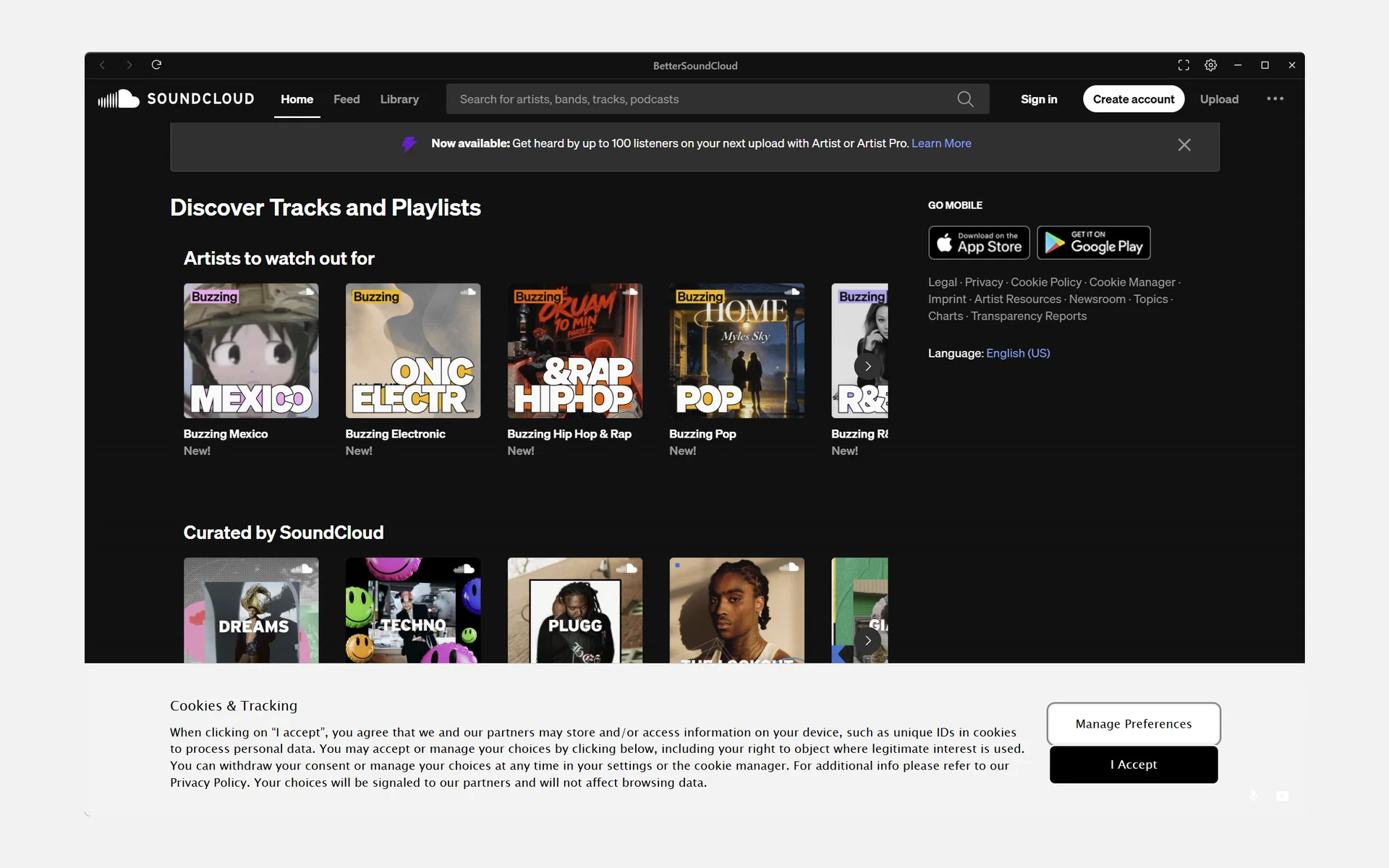
Made on 29 October 2026 on Windows, from a signed build of v2. Silent. The music and artwork in them belong to their artists, none of whom endorse this app.
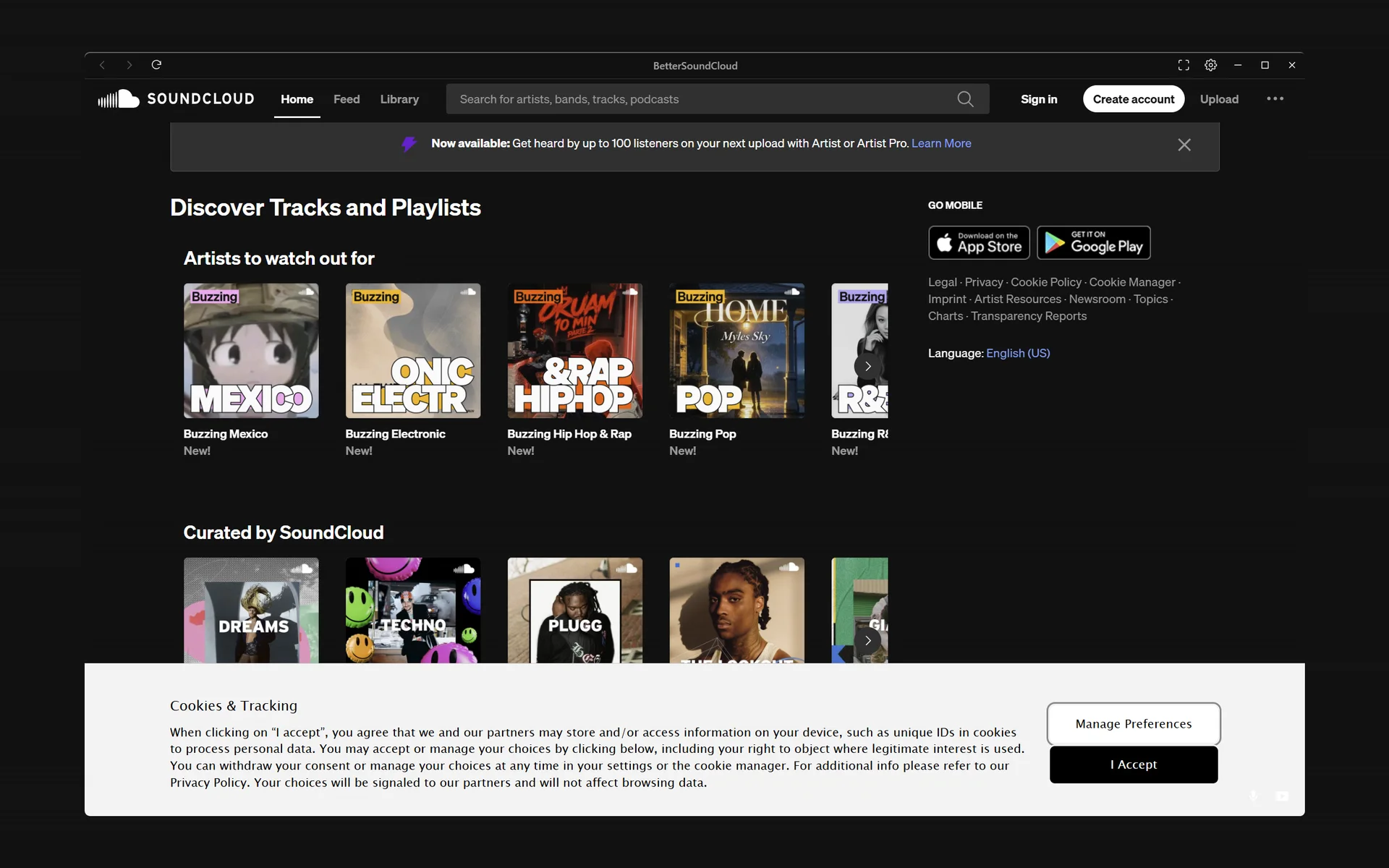
For Windows and Linux: v0.9.0, released 15 November 2026.
It downloads Widevine, the part that plays protected tracks, before its window opens. On a slow connection that takes a few minutes; after that it opens at once.
It may say “Windows protected your PC”. Choose More info, then Run anyway: the app is not code-signed yet, which costs money the project doesn’t have.